
Professional Drone Mapping & Autonomous Grid Surveys. Precision-engineered path planning with a privacy-first architecture: no data collection, just industrial accuracy.
INITIALIZE DOWNLOAD
100% FREE | NO SUBSCRIPTIONS
Professional Drone Mapping & Autonomous Grid Surveys. Precision-engineered path planning with a privacy-first architecture: no data collection, just industrial accuracy.
100% FREE | NO SUBSCRIPTIONS
From preflight checks to mission completion, AeroPlot guides every step.
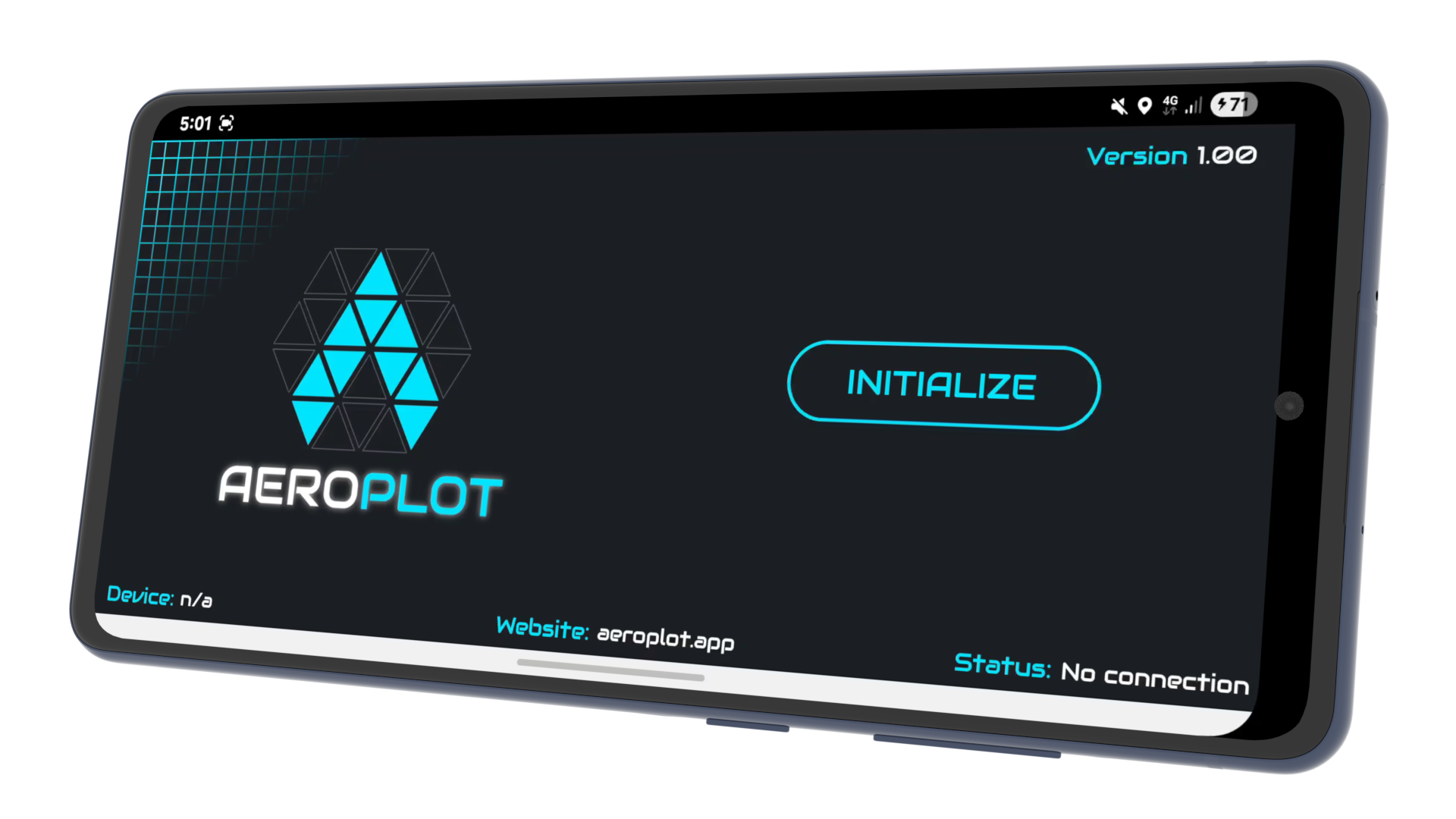
Connect to your drone and verify system status before launching.
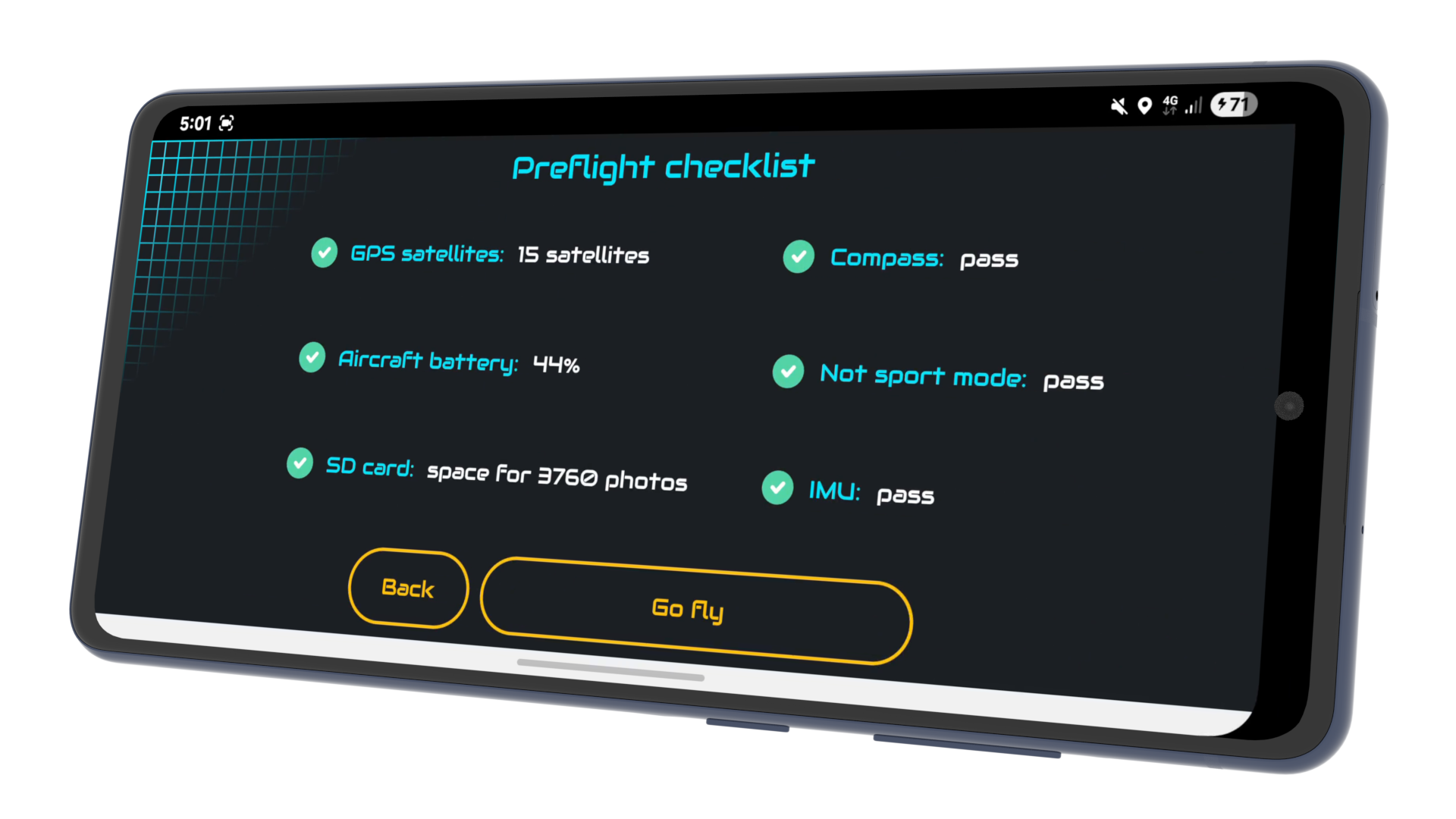
Confirm flight readiness with a structured safety checklist.
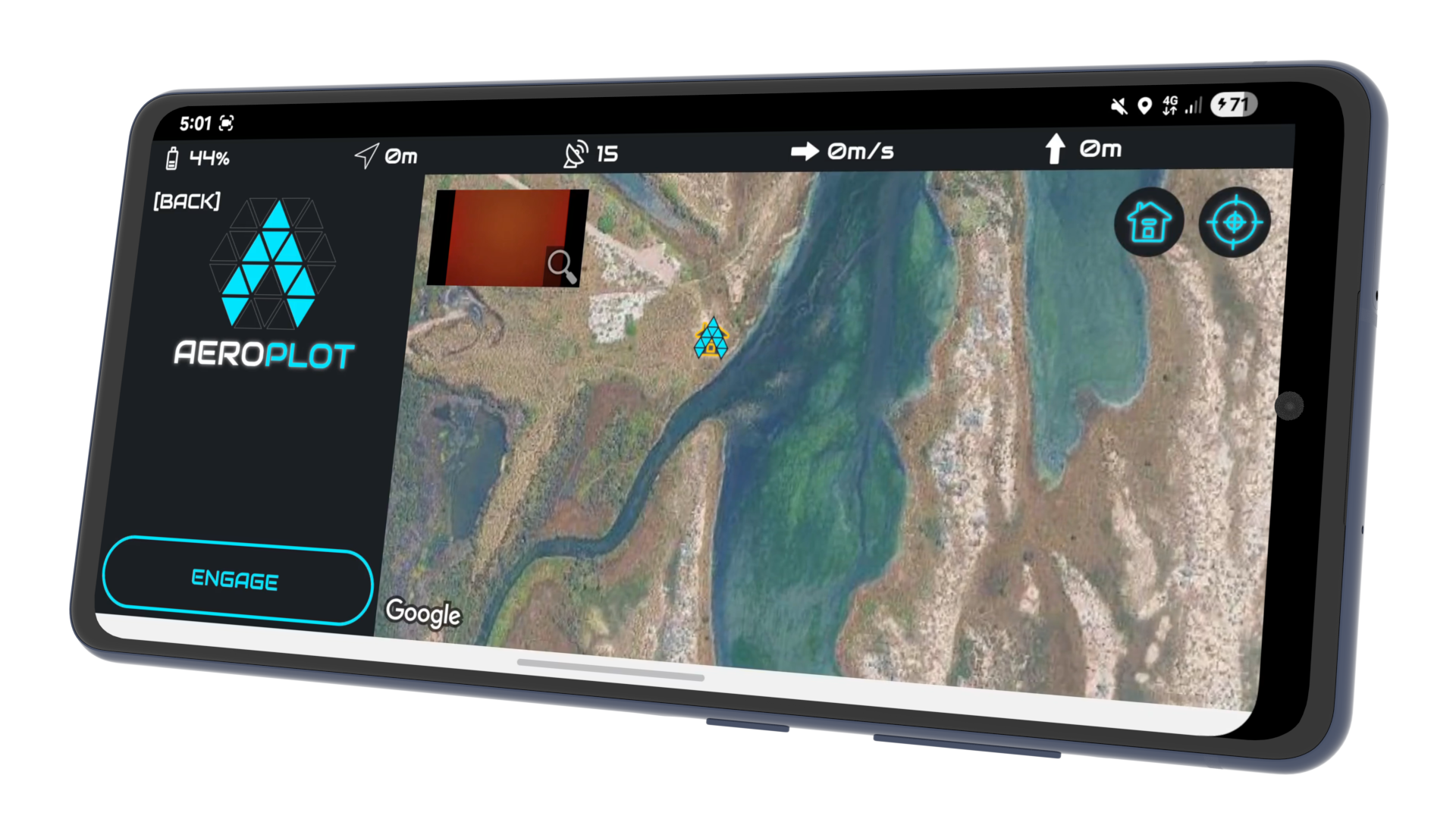
Use the interactive map to prepare and define your mission area.
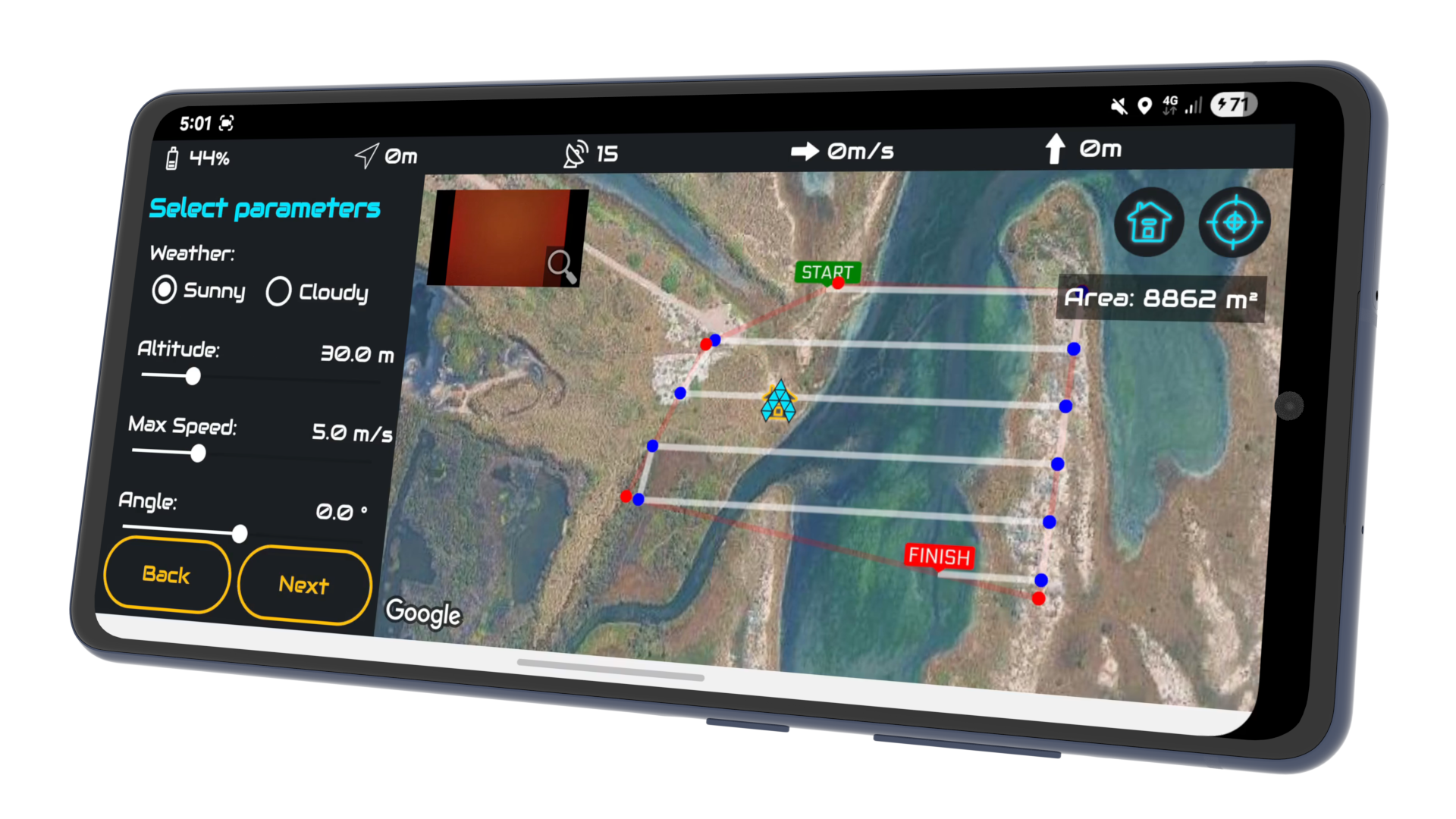
Draw your aeroplot and configure altitude, speed, and path angle.
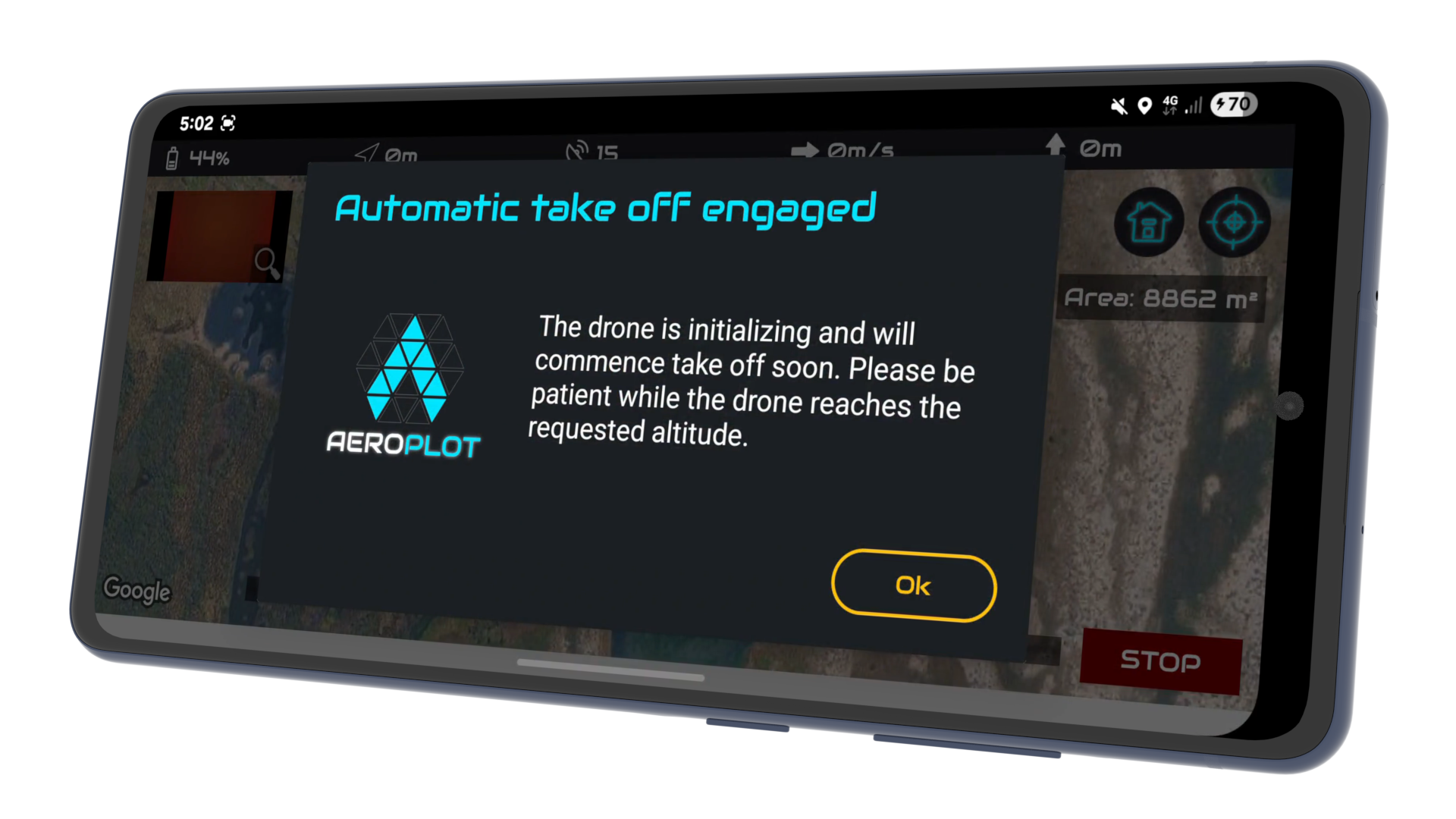
Automatically launch the drone from the designated launch pad.
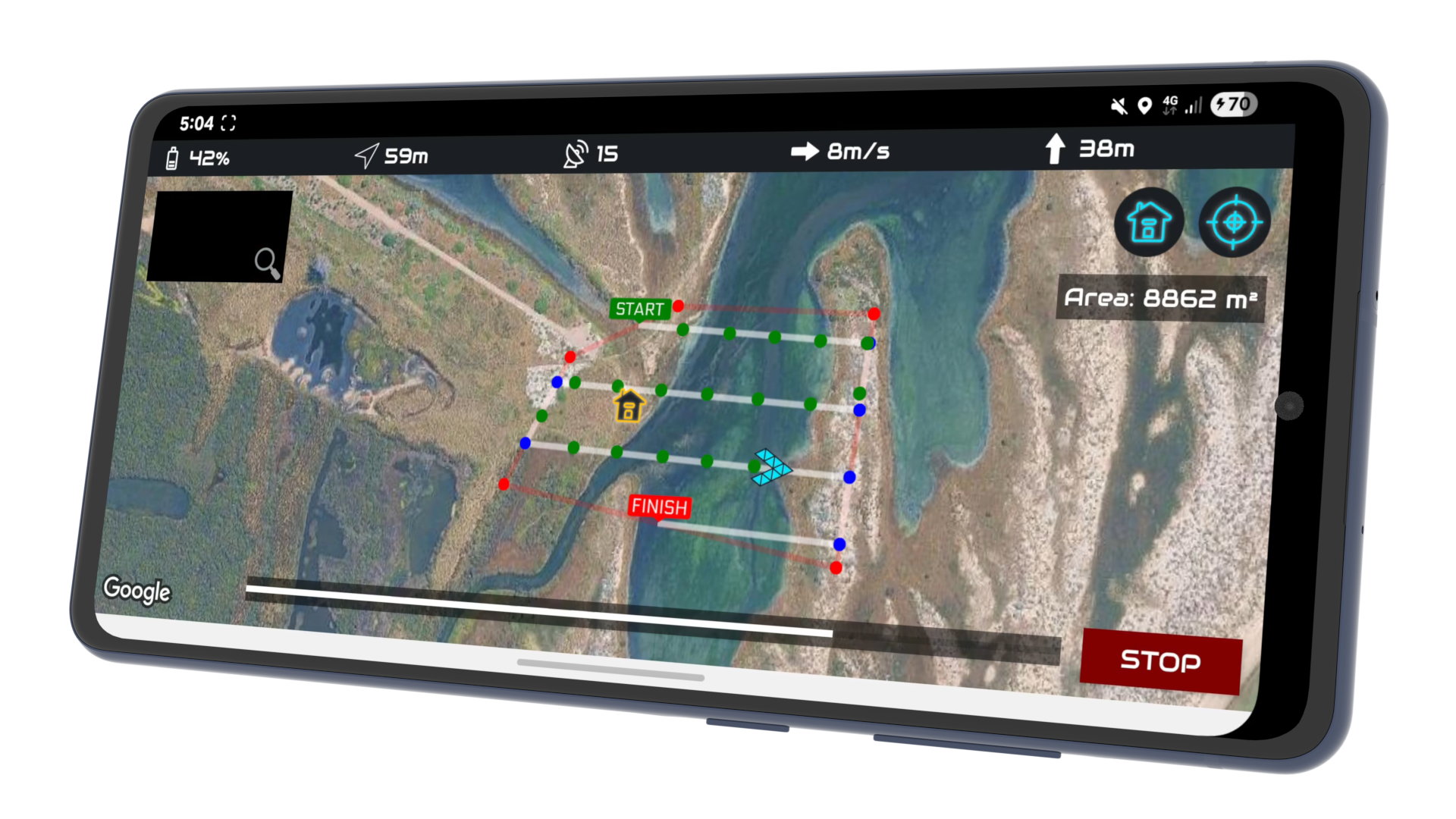
Autonomous flight and photo capture with instant manual override.
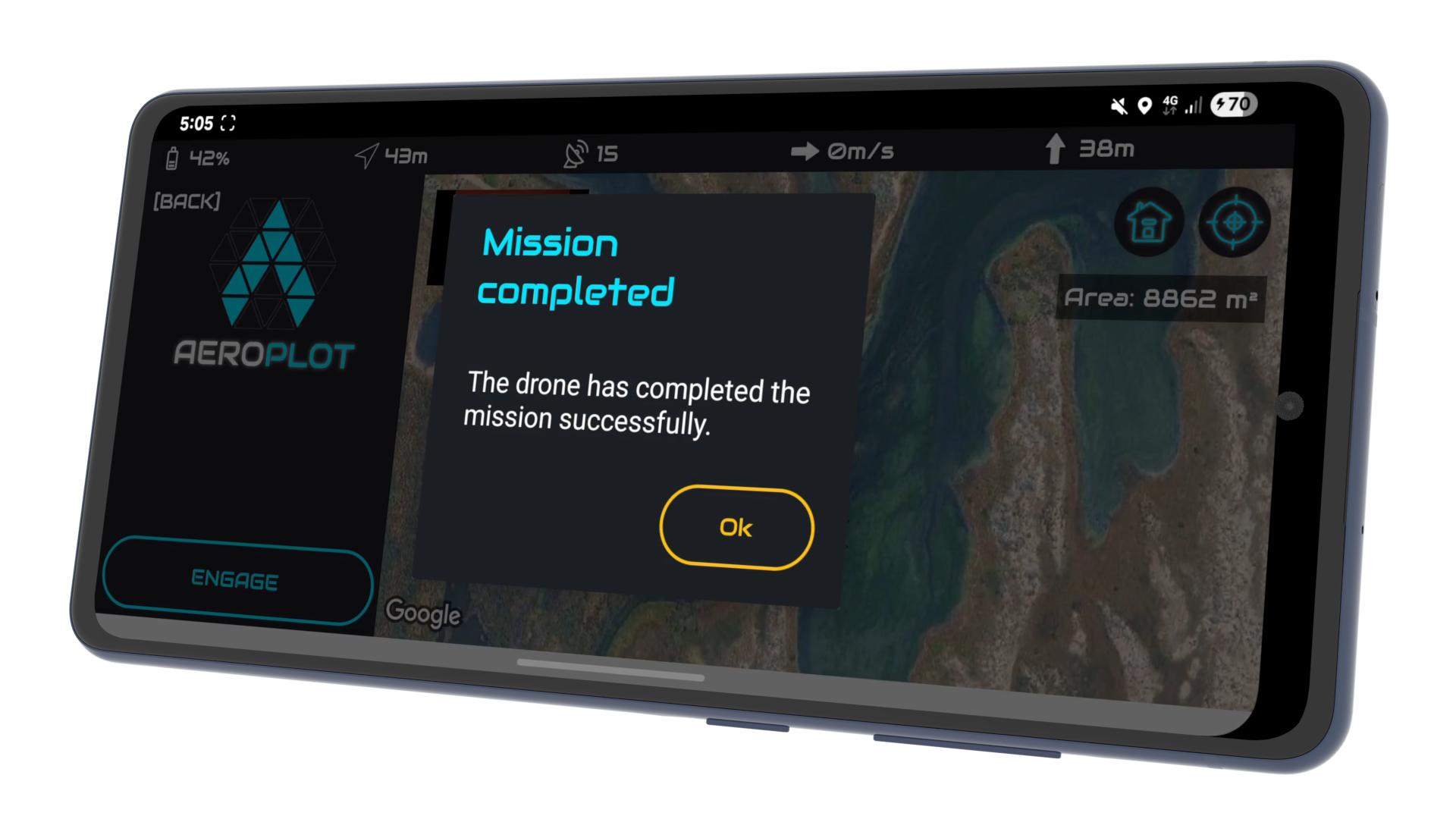
The app confirms success when the final waypoint is reached.
Intelligent path design based on three key parameters: desired altitude, maximum velocity, and flight orientation. AeroPlot automatically calculates the most efficient trajectory for your specific requirements.
Instant manual override: simply move any control stick to retake command and avoid unplanned obstacles. Automatic Fail-Safe: If battery levels drop below a critical threshold, the mission is safely aborted, and the drone returns to home.
Dynamic flight compensation ensures that even under strong wind conditions, AeroPlot maintains the intended mission path for consistent and usable geospatial data.
Single-tap deployment. Once initialized, the drone automatically handles takeoff, sets optimal camera parameters, ascends to altitude, and navigates to the first waypoint to begin acquisition.
Real-time Heads Up Display (HUD) showing critical flight data: Altitude, Speed, Heading, GNSS Satellite Signal, Distance from Home, and Battery percentage.
Visual progress tracking allows you to monitor the drone's exact location within the flight path and estimate time-to-completion in real-time.
Advanced satellite imagery interface with seamless pan, zoom, and one-tap re-centering to maintain visual contact with your flight mission area.
Maintain complete situational awareness with real-time drone positioning and orientation markers on the map. View the live camera feed directly in the app to verify field-of-view and sensor health during the mission.
AeroPlot is engineered to serve professionals across diverse high-stakes industries.
Monitor project progress, perform stockpile volume calculations, and generate high-resolution site maps for safety and stakeholder reporting.
Analyze crop health, drainage patterns, and vegetation density by creating precise multispectral or RGB maps of your fields.
Gather repeatable aerial data for environmental monitoring, archaeological surveys, and geological research with centimeter-level flight precision.
Professional-grade tools built on the principles of privacy and perpetual ownership.
AeroPlot is architected to never store or transmit your personal data. Your email, name, date of birth, and drone details remain yours. Mission logs and flight telemetry are stored exclusively on your device or SD card—never our servers. The only data we process is anonymous usage and crash analytics to ensure system stability.
Escape the subscription cycle. Download AeroPlot for life, including all future updates and hardware compatibility. With industrial-grade precision, the application effectively pays for itself in just a single successful mission.
Define your survey boundaries on the interactive satellite map. The Mission Engine instantly calculates the optimal flight trajectory based on your target altitude, maximum velocity, and desired path orientation to ensure complete coverage.
Deploy with a single tap. AeroPlot handles the automated takeoff and navigation to the initial waypoint. During flight, the system actively compensates for environmental factors like wind resistance to maintain path integrity while you monitor live telemetry and the camera feed in the HUD.
Maintain total situational awareness with live heading markers and real-time mission progress analytics. Safety protocols are always active: instantly retake manual control by moving the sticks or rely on the automated Return-to-Home failsafe if the battery reaches critical levels.
Once the mission is finalized, your precision-geotagged imagery is ready for professional photogrammetry. Export your data into industrial pipelines like OpenDroneMap, Pix4D, or Agisoft for high-resolution 3D reconstruction and mapping.
AeroPlot utilizes the DJI Mobile SDK to interface with a broad range of consumer and enterprise flight controllers:
For industrial-grade reliability, follow this initialization sequence:
Safety is integrated at the core of the flight controller. You can instantly retake control at any time by simply moving the control sticks on your remote. This immediately halts the autonomous mission. Additionally, if the system detects a low battery threshold, it will automatically cancel the mission and execute a Return-to-Home (RTH) procedure.
The mission engine features active wind compensation. In higher-velocity wind conditions, AeroPlot dynamically adjusts the drone's tilt and power output to ensure it stays locked to the intended flight path. We recommend planning surveys during calm or overcast conditions (11 AM - 2 PM) for the highest quality 2D/3D mapping data.
The Heads Up Display (HUD) provides mission-critical data in real-time. You can monitor altitude, speed, heading, GNSS signal, and home-point distance alongside a live camera feed. This allows you to verify sensor health and gimbal orientation without leaving the mapping interface.
AeroPlot is free and you receive a full lifetime license, including all future updates and hardware compatibility patches. No monthly fees, no cloud processing costs, and a strict privacy policy with zero off-device data transmission.
To provide full compatibility with professional DJI hardware, this application utilizes the DJI SDK. Because current versions of this SDK are not supported on the Google Play Store, I am hosting the APK directly to ensure you have access to the complete suite of flight and mapping features without compromise. I want to personally assure you that this file is entirely safe and built with a privacy-first architecture. While this adds a small extra step to the setup process, it is the only way to provide the high-performance drone integration required for your missions.
Note: You can disable the "Allow from this source" setting in your device security options once the installation is complete.